 Grablet
Telegram Web
Keep a video from your chat.
Open Telegram Web in your browser, load the video, and save it with Grablet. Your media stays between Telegram and your device.
No account for Grablet. No watermarks. Website access explained.
This guide is for desktop Chrome, Edge and Firefox. Check Firefox for Android limitations.
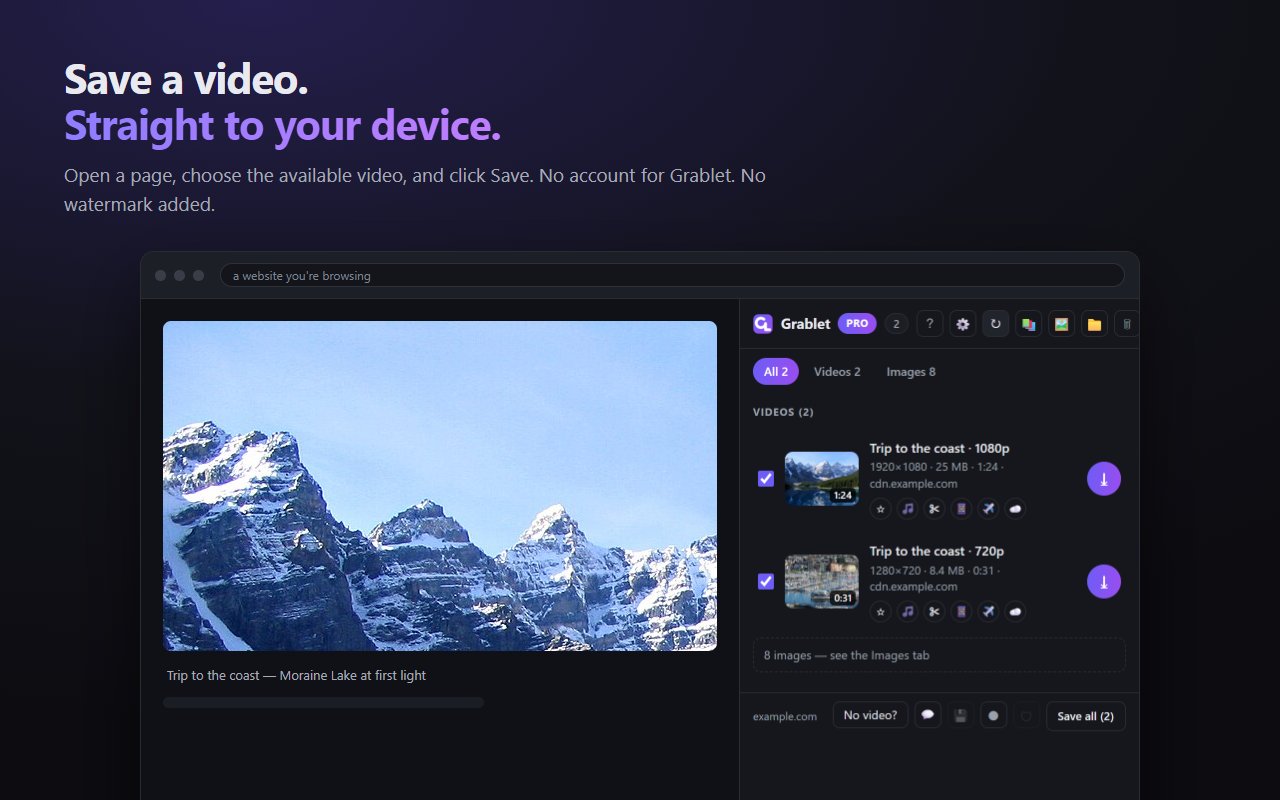
Save a video from Telegram Web
- Open your chat in the browserInstall Grablet and sign in to Telegram Web as usual. Open a chat, group or channel you can access.
- Load the videoOpen the video and start playback. If Grablet does not list it, reload Telegram Web after installing and open the media again.
- Save the available fileOpen Grablet and choose Save beside the video. Keep the source tab open while the file is being prepared, then check your browser’s Downloads.
Downloading a large video
Use an up-to-date desktop browser and leave enough free disk space for the download and temporary files. A long video can take time to prepare; the source connection and the media Telegram makes available affect the result.
If a save fails, keep the error message and check the troubleshooting guide. Grablet does not promise that every Telegram player or protected message can be saved.
Telegram Web, in your own session
Grablet is a browser extension. It cannot add a Save button to the Telegram desktop or phone app, and it cannot access chats you have not joined.
Before you install
Why must I open the media first?
Telegram Web loads media on demand. Opening the photo or playing the video makes it available to the page and lets Grablet detect it.
Does this require another Telegram login?
No additional account is needed for Grablet. Use the Telegram session already open in your browser.
Is there an unlimited file-size guarantee?
No. Available disk space, browser storage quota, source availability and mobile download limits still apply. Use desktop Chrome, Edge or Firefox for this guide.
Your files stay between the source and you
Ordinary downloads go directly to your device. Grablet does not collect your download history or require an account. Uploads happen only when you choose a feature such as saving to your own cloud drive. Read the privacy details.
Grablet does not support YouTube or DRM-protected services. Save only content you have the right to keep.
Try your first save
Install Grablet, then use the sample image to get familiar with saving.